01
Find a hotel
Do your thing. Browse Booking.com, Agoda, or Expedia.
A little more digging. A lot less regret.
Yeah. Us too.
So we built a stupidly simple way to avoid it.
StayCheck. It checks the same hotel on Google Maps while you’re browsing Booking.com, Agoda, or Expedia. See what people on another site had to say before you book.
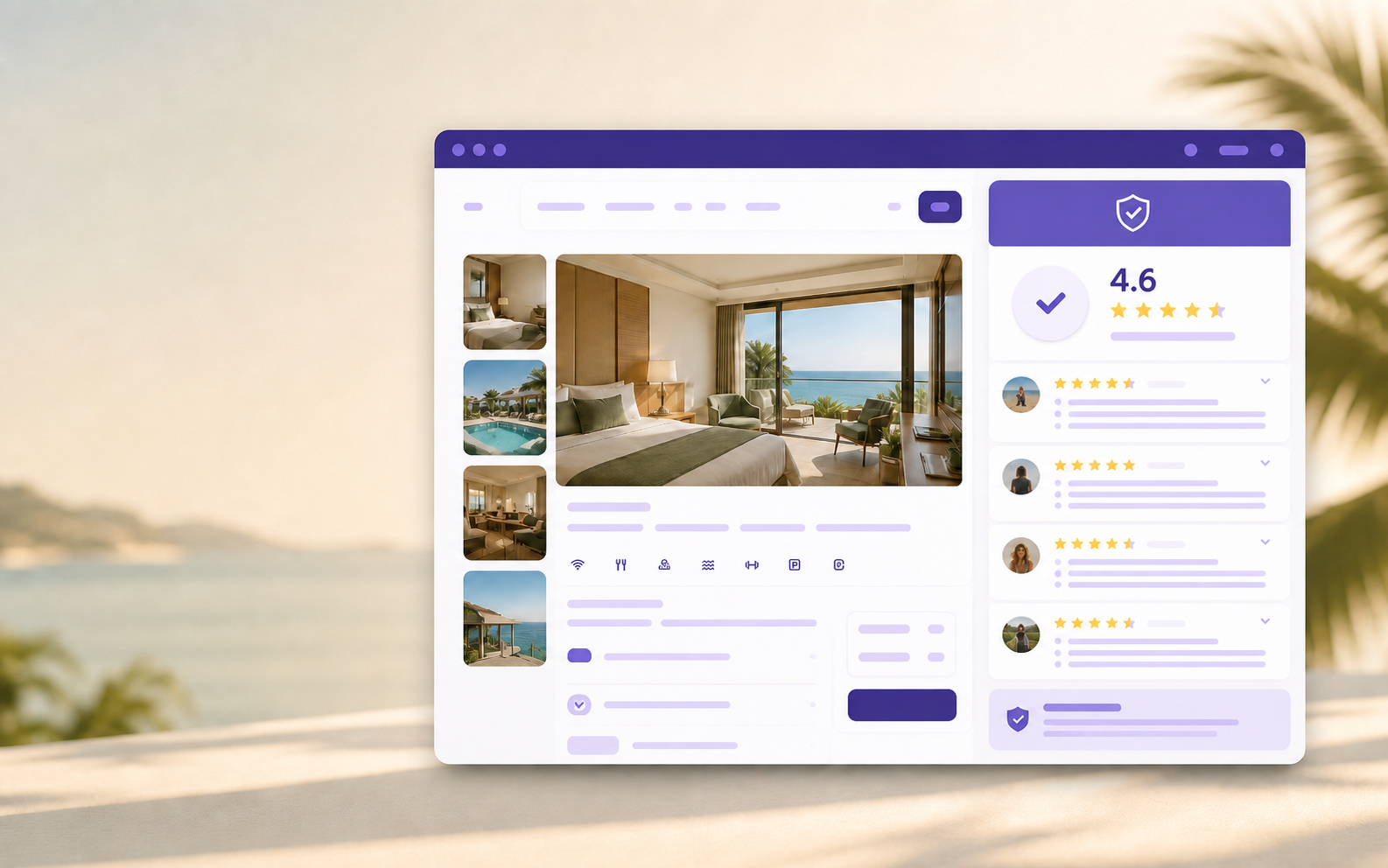
Representative product preview
So, how do you use it?
Do your thing. We’ll do the extra digging.
Do your thing. Browse Booking.com, Agoda, or Expedia.
We find the same property on Google Maps. If we’re not 100% sure, you pick the right one.
Google Maps reviews. Rating. Review count. Actual comments. Right there. Before you book.
The backstory
I booked a room based on Booking.com reviews. When I got there: bed bugs, people smoking pot, and a very different experience from what I expected.
Then I checked Google Maps. The reviews had already warned me about all of it.
That’s when we thought:
So, we built it.
Every review excerpt comes from Google Maps and links back to the original.
Open the source and read the whole review yourself.
Saved match choices and diagnostic information remain in your Chrome profile.
StayCheck sends the hotel name and address to its review service only to find the matching place. It has no accounts, advertising, or sale of browsing data.